Overview
Please use your associated Google account to access the dashboard.
The dashboard is the user interface to manage your Unreal Cloud Streaming for Google Cloud environments. You can set scaling options, upload and manage your Unreal Engine applications.
Environment overview
The environment overview shows the status of your application environments and allows the creation of new ones for other applications or to use as different stages of your application (integration/staging/production).
General Info
The general info page shows details about the currently selected environment.
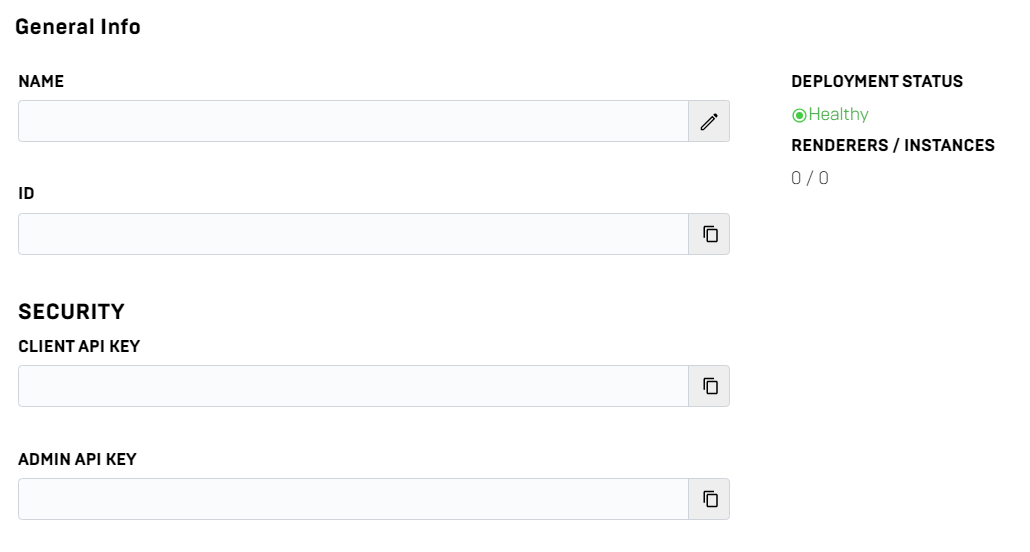
- Name of the environment
- Id of the environment (appEnvId)
- client api key to access streaming environment
- admin api key to set scaling options
- Number of streaming sessions and running instances
Users
On this page you can add / remove other users to your environment or also add Google cloud service accounts for your CI/CD pipeline.
Service accounts need to be created in your Google cloud project and can be added via service account email to your application environment.
Demo
On this page you can directly access and test your application stream.